
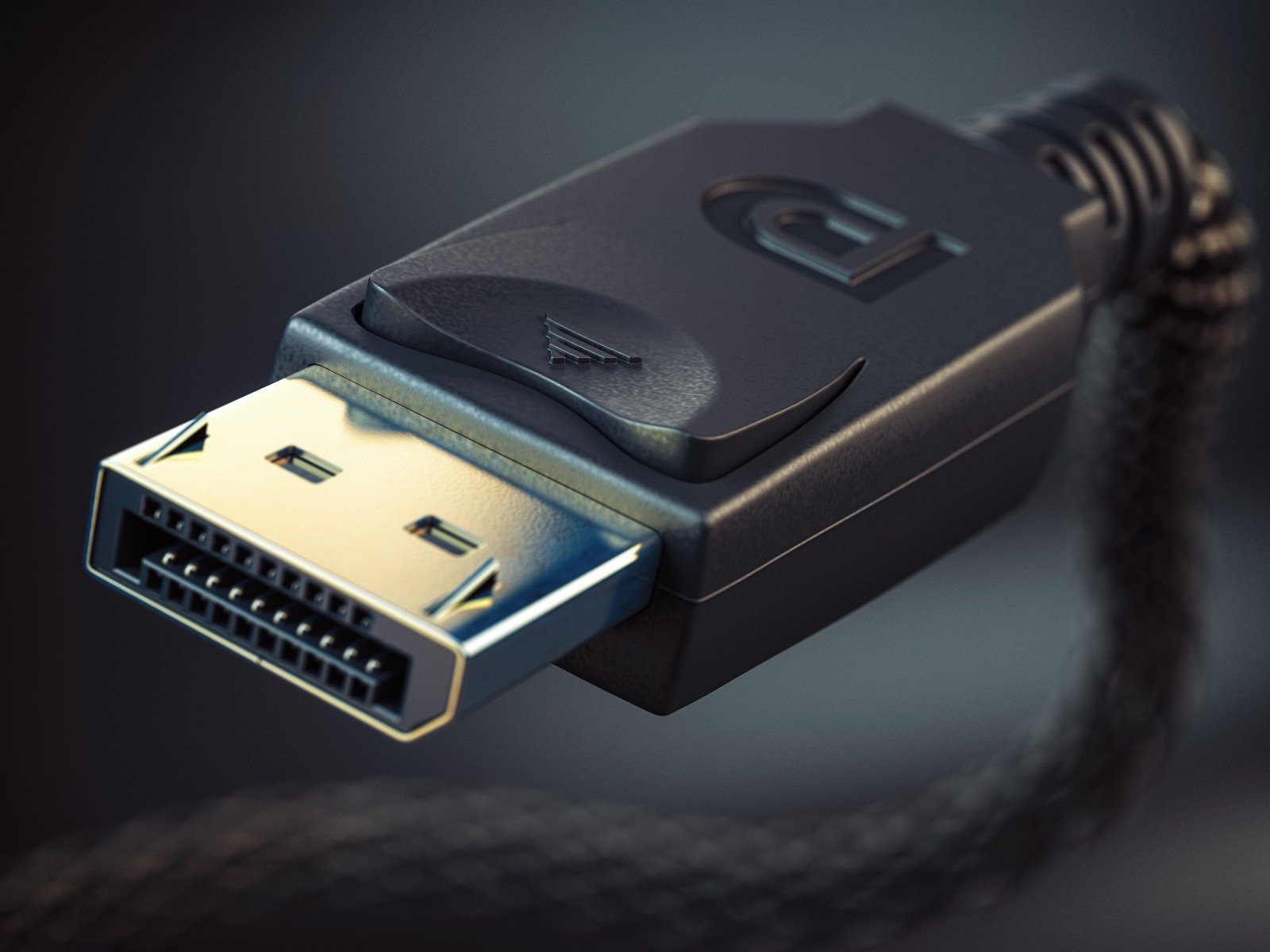
It is primarily used to connect a video source to a display device such as a computer monitor. It can also carry audio, USB, and other forms of data. DisplayPort was designed to replace VGA, DVI, and LVDS, which are older standards for connecting displays to computers. DisplayPort is known for its high performance and versatility, supporting high resolutions, fast refresh rates, and multiple displays through a single connector.
DisplayPort has several versions, each with some new capability, such as higher resolution, higher refresh rate, HDR, or a different compression mode.
Monitors will have a version of the connector that fully utilizes the screen's capability. You should pay attention to the output connector on devices such as laptops and graphics cards, which will dictate what resolution at what refresh rate you can send to the screen.
And then there are the cables. All the cables work with all the DisplayPort versions. But they differ by the data bandwidth they can cope with.
| Video format | Transmission mode, and maximum data rate (Gbit/s) | ||||||||
|---|---|---|---|---|---|---|---|---|---|
| Short name | Resolution | Color depth (bits) | RBR | HBR | HBR2 | HBR3 | UHBR10 | UHBR13.5 | UHBR20 |
| 5.18 | 8.64 | 17.28 | 25.92 | 38.68 | 52.22 | 77.37 | |||
| Maximum refresh rate (Hz) | |||||||||
| 1080p | 1920 × 1080 | 8 | 95 | 154 | 288 | 406 | 555 | 688 | 884 |
| 10 | 77 | 125 | 237 | 337 | 468 | 587 | 770 | ||
| 1440p | 2560 × 1440 | 8 | 55 | 90 | 174 | 251 | 354 | 452 | 609 |
| 10 | 44 | 73 | 141 | 205 | 293 | 378 | 516 | ||
| UWQHD | 3440 × 1440 | 8 | 41 | 68 | 133 | 193 | 277 | 358 | 491 |
| 10 | 33 | 55 | 107 | 157 | 227 | 296 | 412 | ||
| 4K | 3840 × 2160 | 8 | 41 | 81 | 120 | 174 | 229 | 323 | |
| 10 | 33 | 65 | 97 | 142 | 187 | 267 | |||
| 5K | 5120 × 2880 | 8 | 47 | 69 | 102 | 136 | 195 | ||
| 10 | 37 | 56 | 82 | 110 | 159 | ||||
| 8K | 7680 × 4320 | 8 | 31 | 47 | 63 | 92 | |||
| 10 | 37 | 50 | 74 | ||||||
| 8-bit and 10-bit | The majority of displays used to have 8-bit Color Depth technology. For HDR and professional work with color (photography), 10-bit Color Depth technology is a must. |
| Can't be displayed. | |
| Under 60 Hz, it is not suitable for work. | |
| 60 Hz - 164 Hz, good for everyday use. | |
| 165 Hz and above, great for fast-paced gaming. |
As the table above shows, cables with older standards lack the bandwidth to transfer the data necessary for higher resolutions and higher refresh rates.
Pros:
- High Bandwidth: DisplayPort supports high data rates, which enables it to support higher resolutions and refresh rates.
- Multiple Display Support: A single DisplayPort connection can support multiple monitors through daisy chaining or multi-stream transport (MST) hubs.
- Audio and Data Transmission: Besides video, DisplayPort can also carry audio signals and other data, including USB.
- Adaptive Sync Support: DisplayPort supports Adaptive Sync technologies like AMD FreeSync and NVIDIA G-Sync, which reduce screen tearing and stuttering in gaming.
- Backward Compatibility: DisplayPort can be converted to other interfaces such as HDMI, DVI, and VGA using passive or active adapters.
- Secure Content Transmission: It supports Digital Rights Management (DRM) for secure content transmission.
Cons:
- Cable Length Limitations: Standard DisplayPort cables have a limited length (usually up to 3 meters for passive cables) for maintaining high resolution and refresh rates without signal degradation.
- Compatibility Issues: Not all devices come with DisplayPort, making it less universally compatible compared to HDMI.
- Cost: DisplayPort cables and adapters can be more expensive compared to other standards like HDMI.
Transmission Modes and Refresh Rates
Below is a table summarizing the different DisplayPort versions, their maximum data rates, supported resolutions, and refresh rates:
| DisplayPort Version | Max Data Rate (Gbps) | Max Resolution | Max Refresh Rate | Other Features |
|---|---|---|---|---|
| 1.1 | 8.64 | 2560x1600 | 60 Hz | - |
| 1.2 | 17.28 | 3840x2160 (4K UHD) | 60 Hz | Multi-Stream Transport (MST), 3D support |
| 1.3 | 32.4 | 5120x2880 (5K) | 60 Hz | Higher bandwidth, improved color depth |
| 1.4 | 32.4 | 7680x4320 (8K) | 60 Hz (with DSC) | Display Stream Compression (DSC), HDR support |
| 2.0 | 80 | 7680x4320 (8K) | 120 Hz (with DSC) | Enhanced DSC, higher resolutions and refresh rates |
| 2.1 | 80 | 15360x8640 (16K) | 60 Hz (with DSC) | Advanced color depth and HDR capabilities |
| 2.1a | 80 | 15360x8640 (16K) | 60 Hz (with DSC) | Power efficiency improvements, enhanced capabilities |
Notes:
- Display Stream Compression (DSC): A visually lossless compression technique that allows higher resolutions and refresh rates over existing DisplayPort connections.
- Adaptive Sync: Technologies like FreeSync and G-Sync, which reduce screen tearing and improve the gaming experience.
- High Dynamic Range (HDR): Provides better contrast and color accuracy, enhancing the visual experience.
DisplayPort continues to evolve, with each new version supporting higher resolutions, faster refresh rates, and improved capabilities, making it a versatile and high-performance option for connecting displays to computers and other devices.