
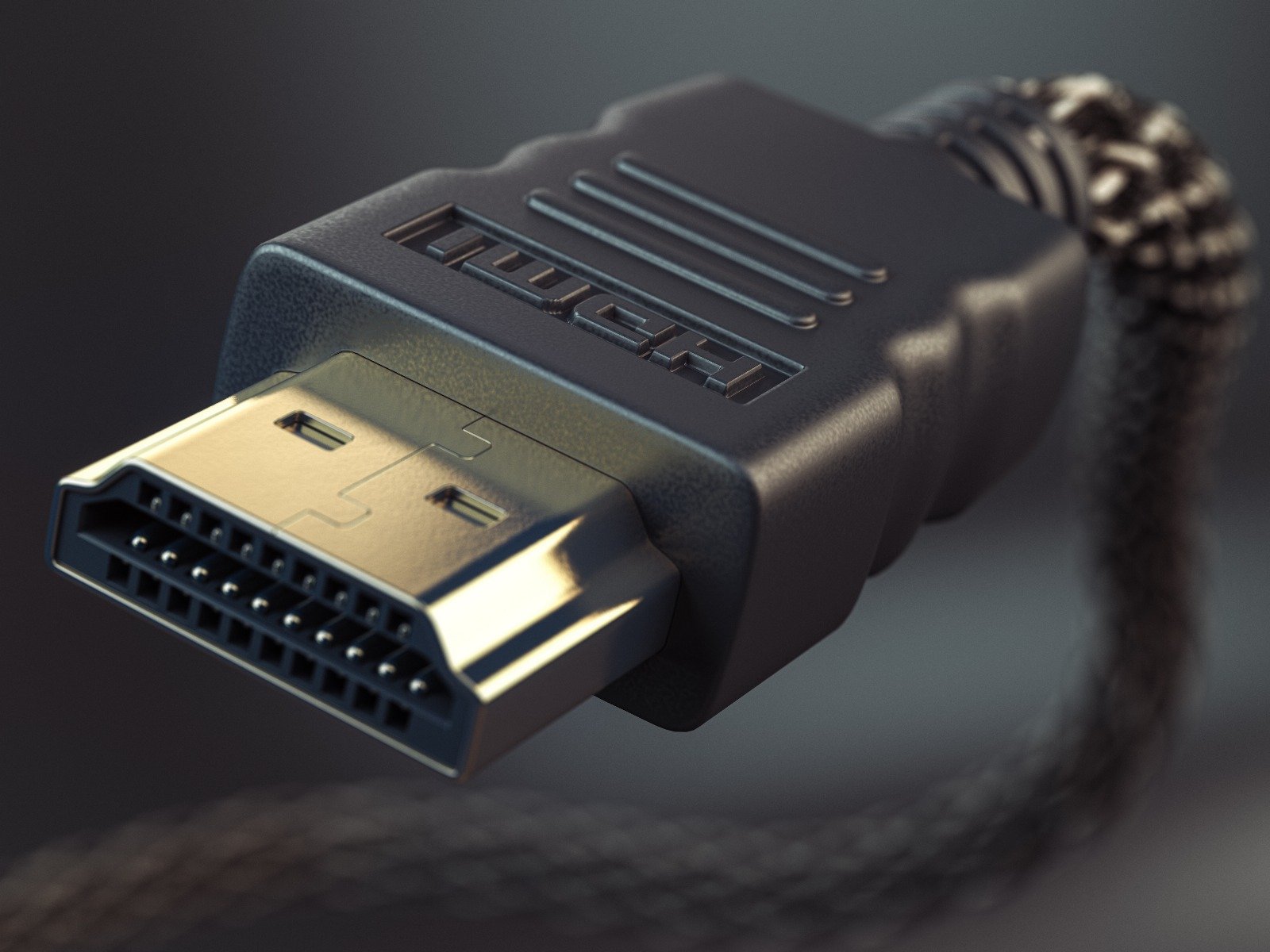
HDMI is the most prevalent interface for transmitting both audio and video signals between devices. It supports a wide range of resolutions, including high-definition (HD), full HD (FHD), and ultra-high definition (UHD), and is commonly found on PCs, TVs, and gaming consoles. HDMI is continually evolving, with newer versions like HDMI 2.1 supporting higher bandwidth, which allows for features like 8K resolution at 60Hz and 4K at 120Hz, along with dynamic HDR formats. HDMI cables also carry audio, eliminating the need for separate audio connections.
| Short name | Resolution | Refresh Rate (Hz) | 1.3 - 1.4b | 2.0 - 2.0b | 2.1 - 2.1b |
|---|---|---|---|---|---|
| 1080p | 1920 × 1080 | 60 | YES | YES | YES |
| 120 | YES | YES | YES | ||
| 144 | YES | YES | YES | ||
| 240 | 4:2:0a | YES | YES | ||
| 1440p | 2560 × 1440 | 60 | YES | YES | YES |
| 120 | 4:2:0a | YES | YES | ||
| 144 | 4:2:0a | YES | YES | ||
| 240 | NO | 4:2:0a | YES | ||
| 4K | 3840 × 2160 | 60 | 4:2:0a | YES | YES |
| 120 | NO | 4:2:0a | YES | ||
| 144 | NO | NO | YES | ||
| 240 | NO | NO | DSCb | ||
| 5K | 5120 × 2880 | 60 | NO | NO | YES |
| 120 | NO | NO | DSCb | ||
| 8K | 7680 × 4320 | 60 | NO | NO | DSCb |
| 120 | NO | NO | DSCb | ||
| 10K | 10240 × 4320 | 60 | NO | NO | DSCb |
| 120 | NO | NO | DSCb |
a - 4:2:0 is the Chroma Sampling method of compression (less accurate image); one needs experience to spot the difference.
b - DSC (Display Stream Compression) is a "visually lossless" compression algorithm used for high resolutions and high refresh rates.
Pros:
- Unified Audio and Video: Transmits both audio and video signals through a single cable, simplifying setup and reducing cable clutter.
- High-Resolution Support: Capable of carrying high-definition signals, including newer standards like 4K and 8K.
- CEC Compatibility: Supports Consumer Electronics Control (CEC), enabling control of multiple devices with a single remote.
Cons:
- Cable Length Restrictions: Effective transmission is limited to shorter distances without the use of signal boosters or specialized cables.
- Cost Variability: Costs can vary significantly based on the version and capabilities of the HDMI cable, such as Ethernet support or bandwidth capacity.
- Potential Compatibility Issues: Different versions and capabilities can lead to confusion and compatibility issues between devices and cables.
Conclusion:
Always look for devices with HDMI 2.1