
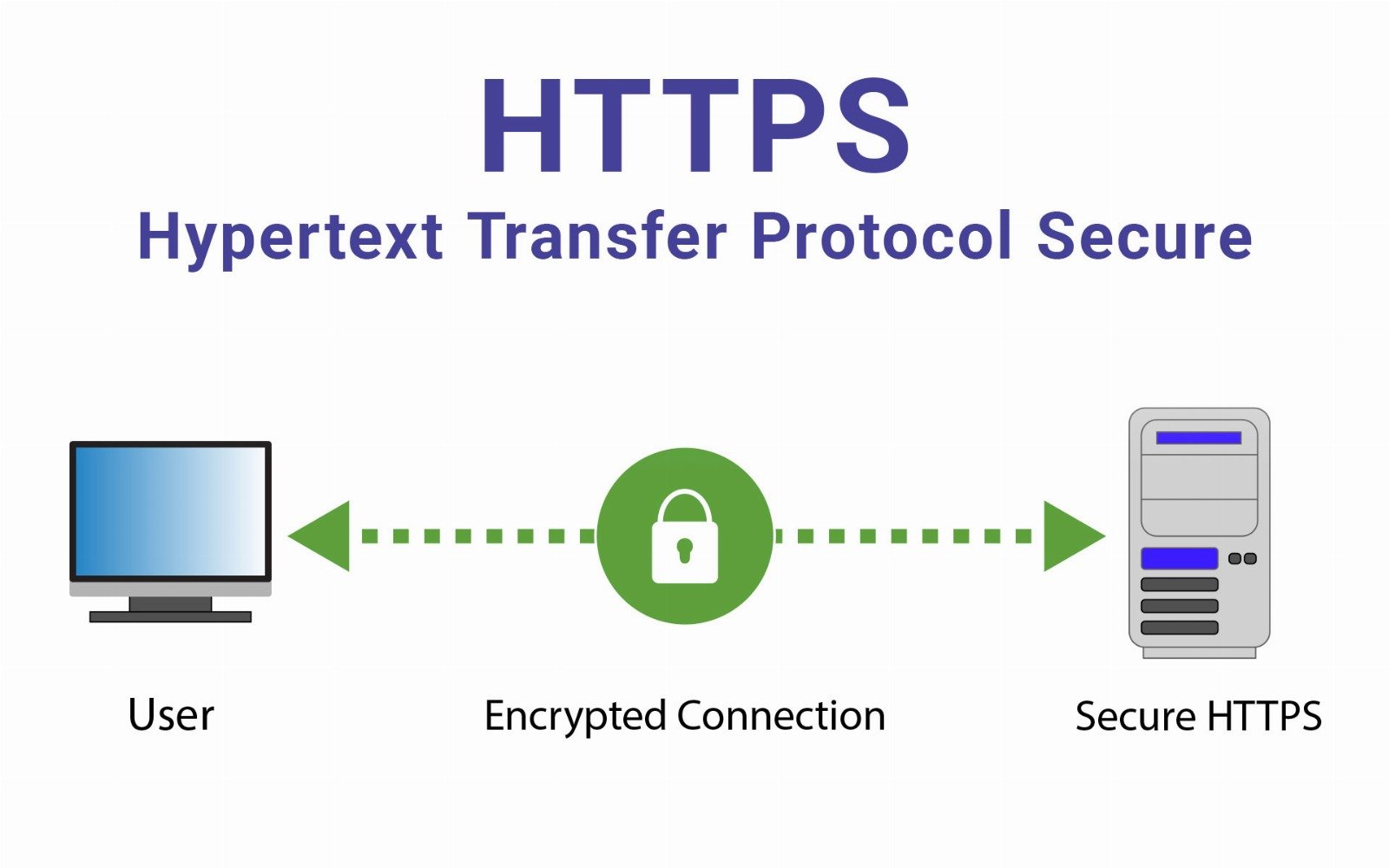
HTTPS is the secure version of HTTP, the protocol used for transferring data between your browser and a website. The “S” in HTTPS stands for Secure, meaning the communication is encrypted using TLS (Transport Layer Security), formerly known as SSL. This encryption ensures that the data exchanged between the client and server is private, authenticated, and tamper-proof.
When you visit a website that uses HTTPS, you’ll see a padlock icon in the address bar, and the URL will begin with https:// instead of http://. This is crucial for protecting sensitive activities like:
- Online banking and payments
- Account logins
- E-commerce transactions
- Secure communications over APIs
How HTTPS Works
- Handshake and Authentication
The client (browser) connects to the server and receives its TLS certificate, which is issued by a Certificate Authority (CA). The browser verifies the certificate to ensure the site is authentic. - Key Exchange
Once verified, the client and server negotiate encryption keys in a secure handshake. - Data Encryption
From this point forward, all data exchanged is encrypted, protecting it from interception and tampering. - Secure Session
The session remains encrypted until the user leaves the website or closes the browser tab.
Pros of HTTPS
- End-to-End Encryption
Protects against eavesdropping, man-in-the-middle attacks, and data tampering. Data like passwords and credit card numbers stay private. - Authentication of Websites
HTTPS ensures the website you’re communicating with is legitimate and not a malicious imposter. - SEO Benefits
Google and other search engines rank HTTPS websites higher than HTTP sites. - Browser Trust and User Confidence
Browsers display warnings for non-HTTPS websites, and users are more likely to trust and interact with secure sites. - Required for Modern Web Features
Certain browser features (e.g., geolocation, push notifications, service workers) are only available over HTTPS.
Cons of HTTPS
- Certificate Costs (for some): While free options like Let’s Encrypt exist, some businesses still pay for certificates and wildcard domains.
- Slight Setup Complexity: Requires installing and maintaining certificates, especially for large-scale or multi-domain environments.
- False Sense of Security: HTTPS only secures data in transit — it doesn’t protect users from phishing sites that look real but serve malicious content.
- Performance Overhead (Minor): TLS encryption and decryption introduce small CPU overhead, although modern hardware and TLS 1.3 have greatly minimized this.
HTTPS vs HTTP
| Feature | HTTP | HTTPS |
|---|---|---|
| Security | Unencrypted (plaintext) | Encrypted via TLS |
| Port | 80 | 443 |
| SEO Benefit | None | Positive ranking signal |
| Browser Indicator | No padlock | Padlock and secure site indicator |
| Data Privacy | Vulnerable to interception | Protected from spying and tampering |
Why HTTPS Matters Today
In today’s digital world, user data is constantly being transmitted across networks, making it a prime target for cybercriminals. Whether you're accessing your email, shopping online, or using cloud services, HTTPS ensures that what you send and receive remains confidential.
Moreover, modern browsers now label non-HTTPS sites as “Not Secure”, and many APIs, cloud platforms, and payment services require HTTPS to function.
Conclusion
HTTPS is no longer optional — it’s essential. It ensures encrypted, authenticated, and private communication across the internet. For developers, site owners, and users alike, adopting HTTPS is a crucial step in securing web interactions and building trust online. If you're running a website, enabling HTTPS with a valid TLS certificate is one of the most impactful security upgrades you can implement.