A mesh system is a set of boxes that broadcast the same Wi-Fi name and hand a device over from one box to the next as you walk around the house. It suits anyone with dead spots, thick walls, a garden, a NAS or more than one floor. For a flat, a single router is usually the right answer, and our single-router guide is the other half of this pair.

Router or mesh? Read this first
A satellite cannot be bought and used on its own. It extends a mesh system you already own, and it pairs with the router it was sold with, in the same series.
One router covers a flat or a small house. A mesh system is the answer when one unit cannot reach every room, or when you want more than one band working across the house.
Buying a kit of a router and its nodes is usually cheaper than buying satellites one at a time, and a kit leaves room to add a node later at a lower cost than the same coverage bought node by node.
What to look for
Coverage area is the figure that matters, but coverage claims are not comparable between makers. ASUS publishes square feet and square metres per node and per pack size, NETGEAR publishes square feet plus a device count, Ubiquiti publishes square metres per device, eero publishes square metres and a speed line, and TP-Link publishes no area figure for its single routers. Always name the maker and the pack size when you read a coverage number.
Wired ports and backhaul matter just as much. Running an Ethernet cable between nodes turns a good mesh system into a very good one, because the nodes stop sharing radio time with your devices. 2.5Gbps ports are the sensible baseline, and 10Gbps ports exist on some kits.
The Wi-Fi generation and the 6 GHz band have to be checked separately, because the label does not tell you the whole story. Not every Wi-Fi 7 kit has a 6 GHz radio: the NETGEAR Orbi 370 series is dual-band on 2.4 and 5 GHz only.
Compatibility is the last check. Satellites pair with the router they were sold with, in the same series, and TP-Link's Deco and OneMesh systems do not interoperate with each other.
Our picks
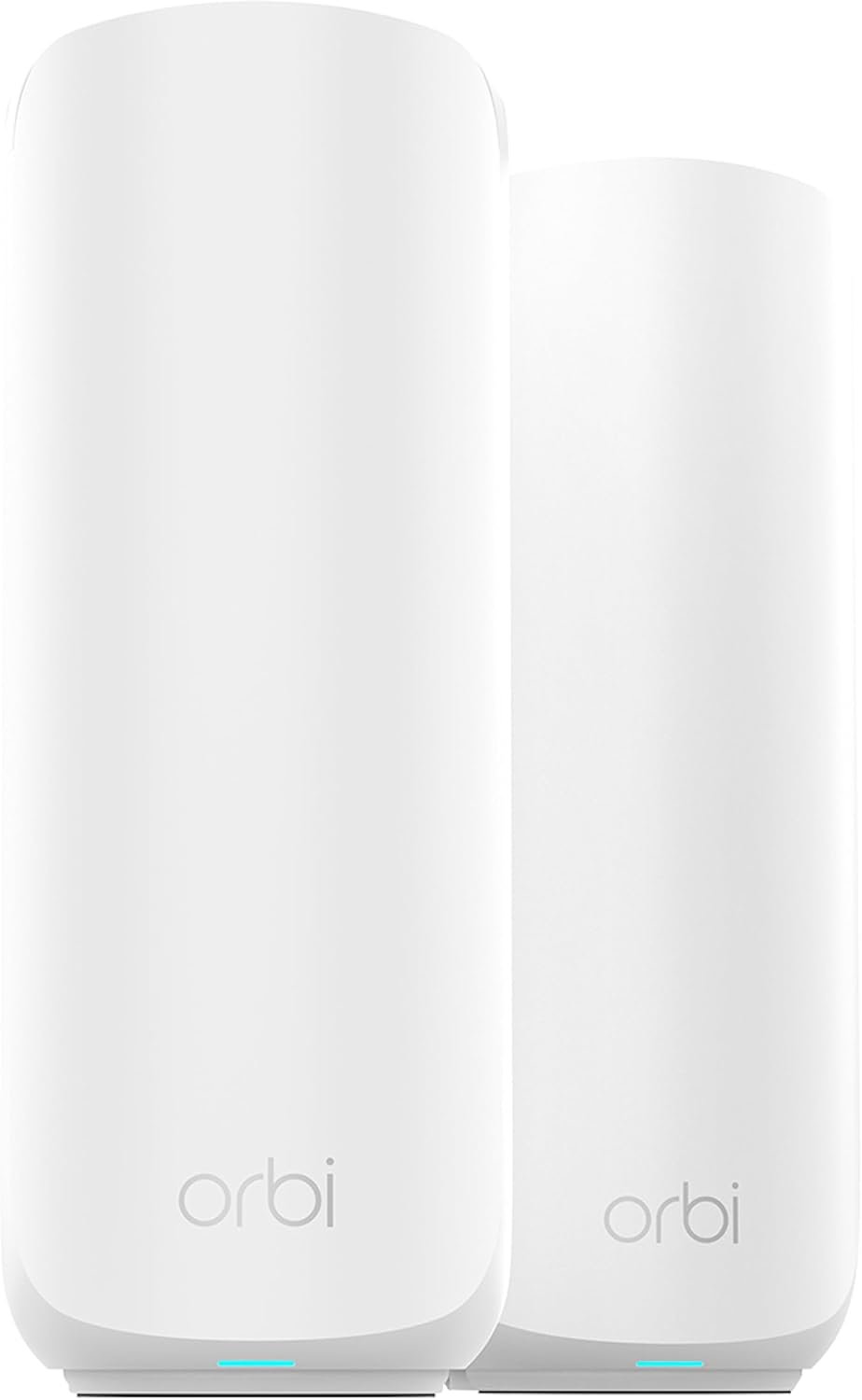
- Best first mesh - NETGEAR Orbi 370 2-pack A dual-band Wi-Fi 7 kit on 2.4 and 5 GHz, and it never touches the 6 GHz band. It covers up to 3,000 sq ft for the kit, roughly 70 devices, and it carries a 2.5Gbps internet port and 2.5Gbps wired backhaul. It is the cheapest kit that works on its own, so it suits a first mesh purchase.
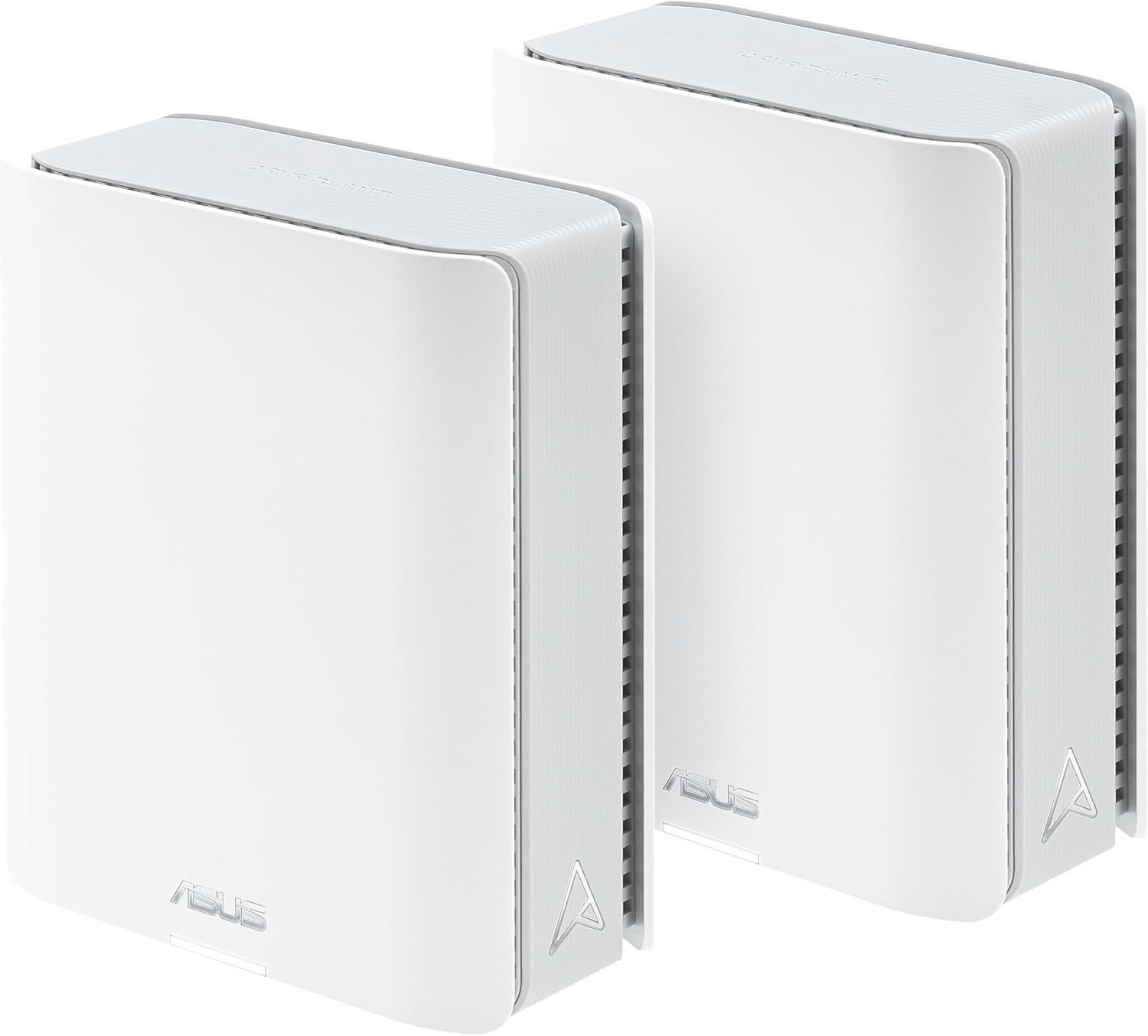
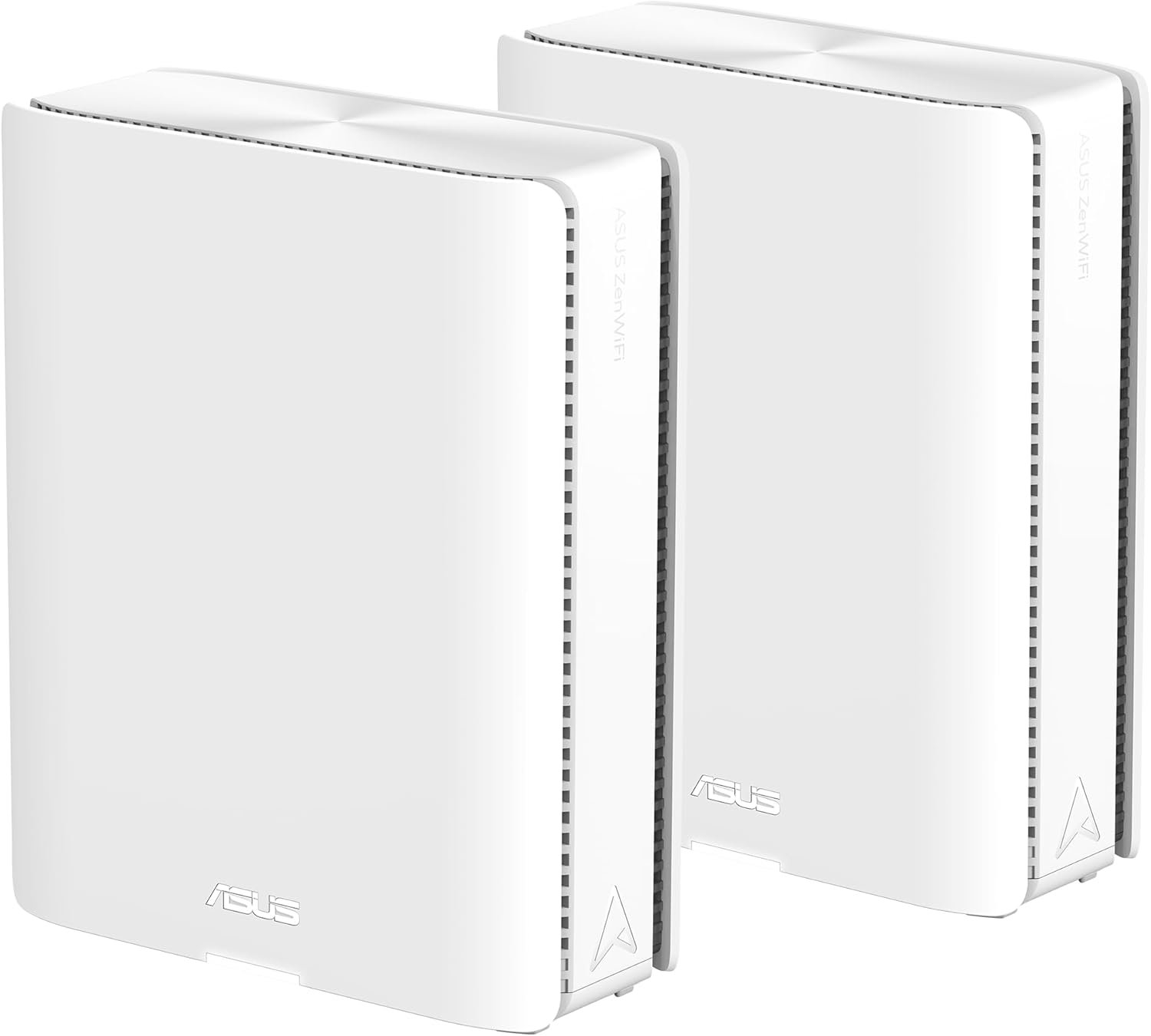
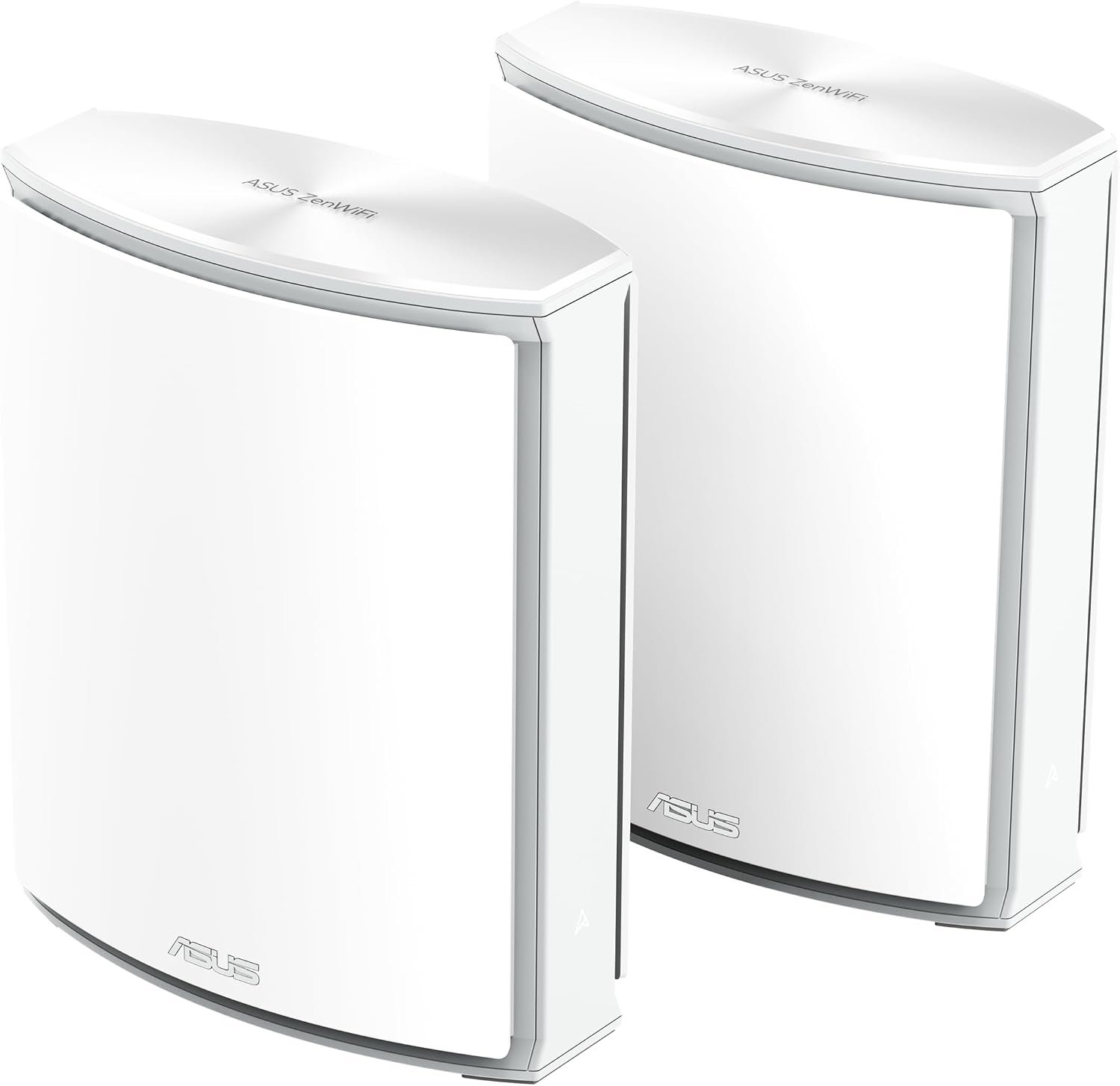
- Best with 6 GHz - ASUS ZenWiFi BT8 2-pack A tri-band Wi-Fi 7 kit with 6 GHz, 14 Gbps aggregate, 320 MHz capability and Multi-Link Operation, with dual 2.5Gbps ports on each node. ASUS publishes 2,950 sq ft per node, which is 5,900 sq ft for two nodes and 8,850 sq ft for a three-node set. A third node of the same series is a separate purchase.
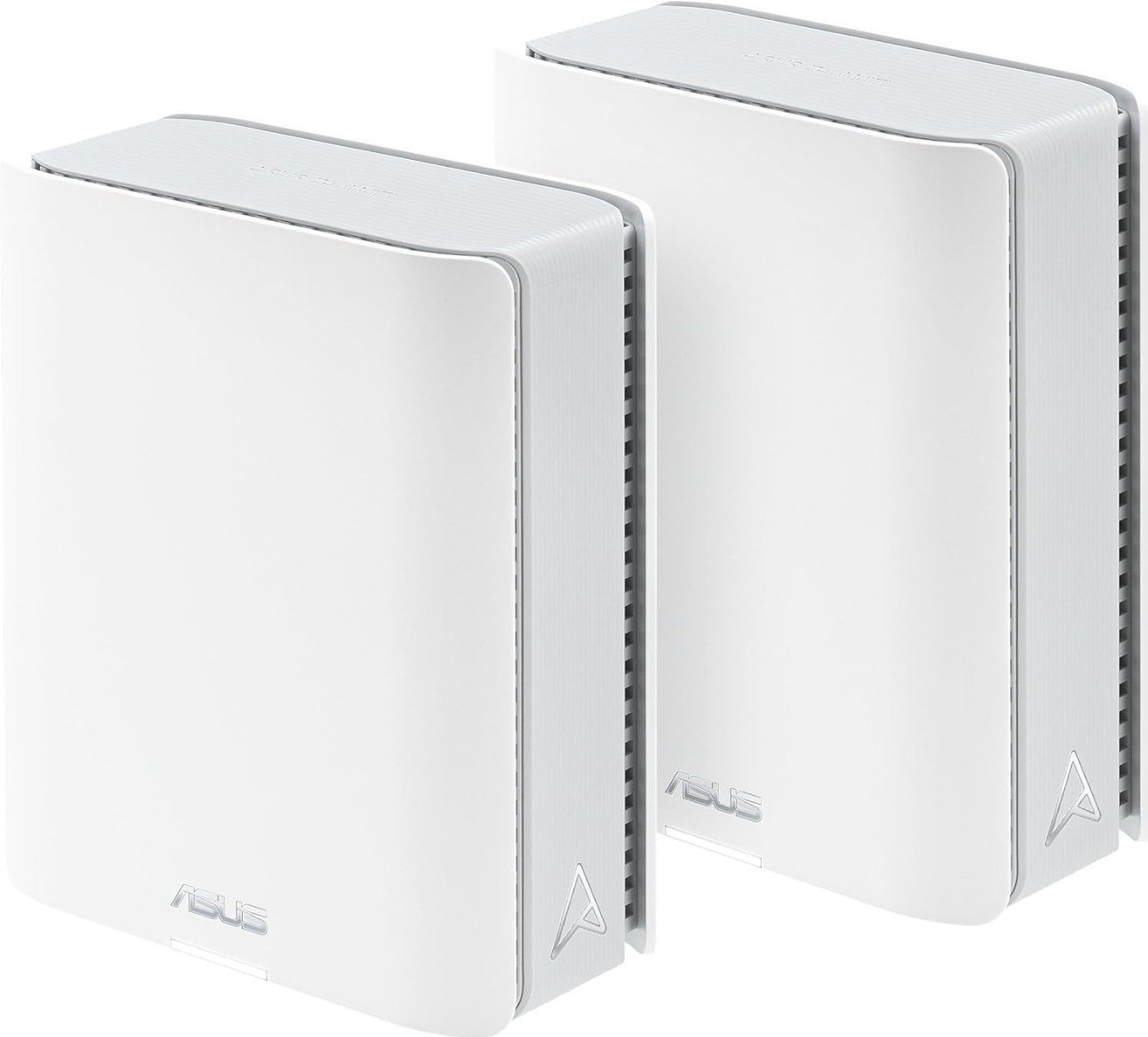
- Best for a big house - ASUS ZenWiFi BQ16 2-pack A quad-band Wi-Fi 7 kit on 2.4, 5, 5 and 6 GHz, with 25 Gbps aggregate, 320 MHz and dual 10Gbps ports on each node. ASUS publishes 8,000 sq ft for the two-node set, so it suits a large house that needs range and wired speed together.
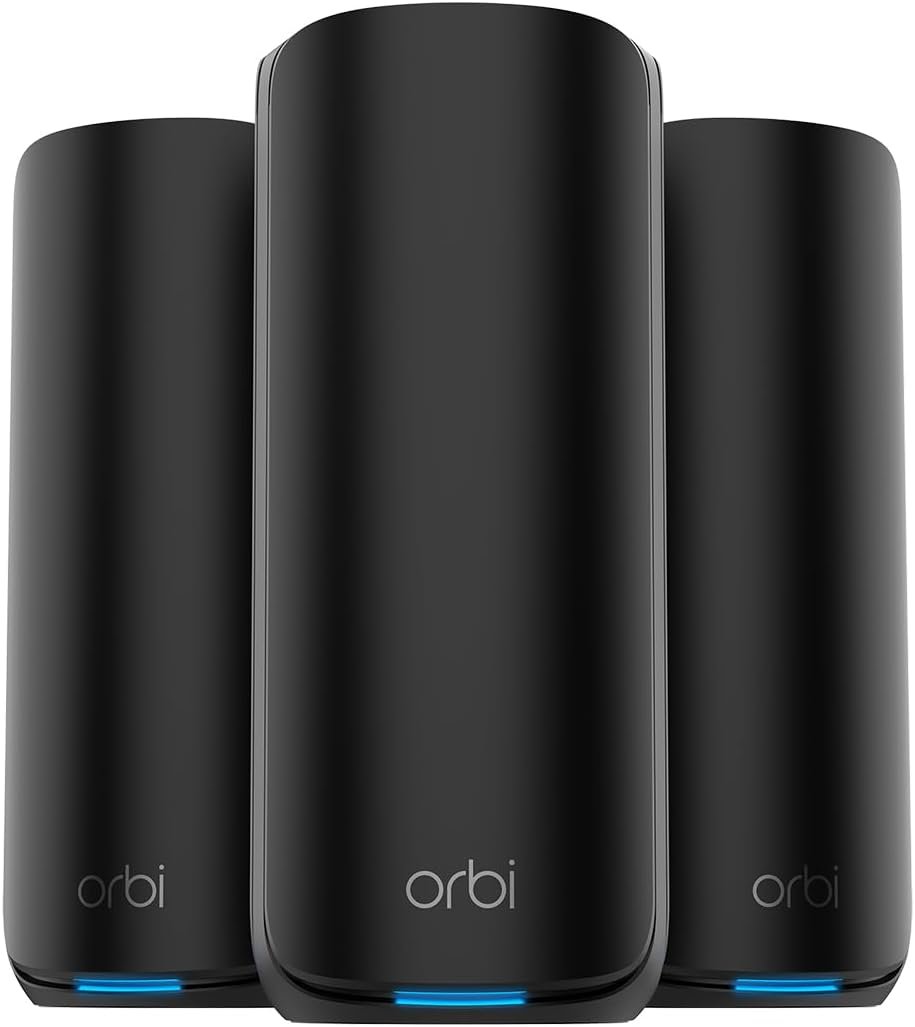
- Best for gaming - NETGEAR Orbi 870 3-pack A Wi-Fi 7 three-pack with a 10Gbps internet port and 2.5Gbps LAN ports, shared 5 and 6 GHz MLO backhaul, 21 Gbps aggregate and room for about 150 devices. It covers up to 7,500 sq ft across the three nodes.
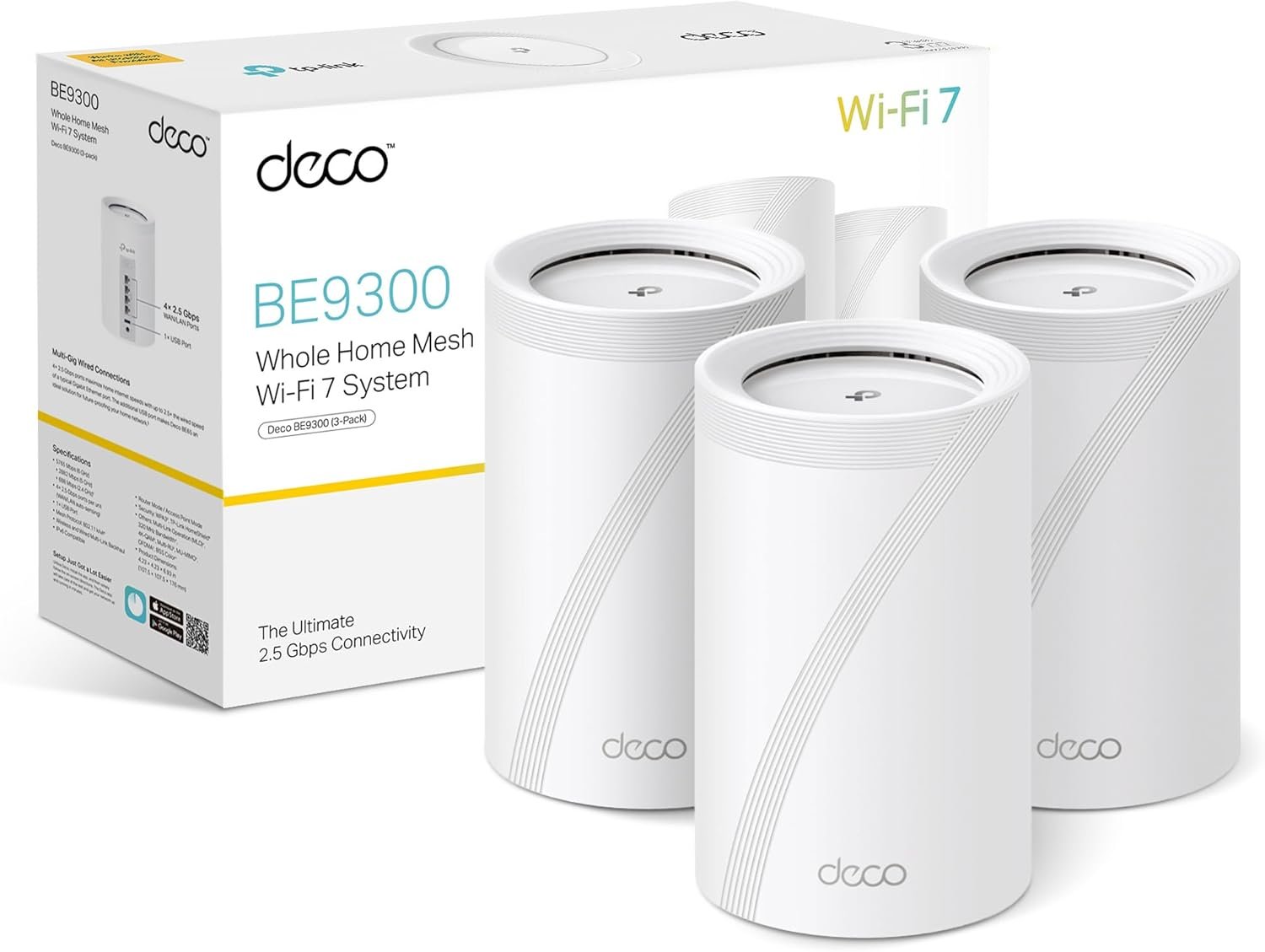
- Best value, second brand - TP-Link Deco BE9300 3-pack A tri-band Wi-Fi 7 kit with 6 GHz, 320 MHz, 4K-QAM and four 2.5Gbps ports on each unit, for 200+ devices. It is also sold as the BE65 in some listings. TP-Link's own Deco page carries no area figure for this kit, and the up to 2,000 sq ft line on its listings belongs to a sibling model.
- Fastest today, on a draft standard - ASUS ZenWiFi BN12 2-pack A pre-standard Wi-Fi 8 kit on 802.11bn, tri-band on 2.4, 5 and 6 GHz, with 19 Gbps, 320 MHz class and dual 10Gbps plus 2.5Gbps ports. ASUS publishes up to about 6,996 sq ft for the two-node set. The standard is still a draft, so this is a kit for an early adopter rather than a safe default.
If you are in a flat or a small house, start with our single-router guide instead, because one router is usually enough there. If you do need mesh, the card under each pick carries the live price, and prices move daily, so read the card before you buy.