
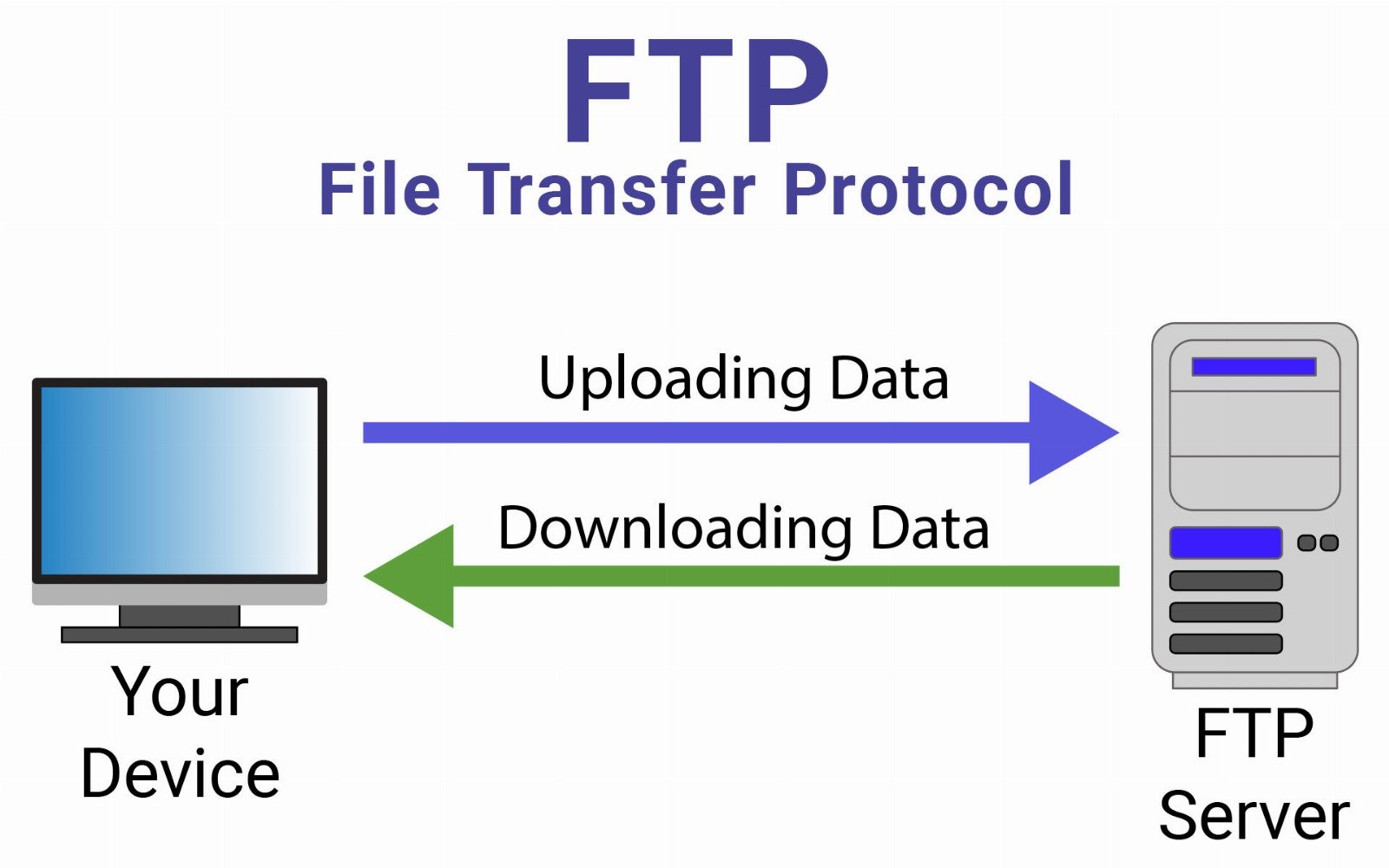
FTP (File Transfer Protocol) is a standard network protocol used to transfer files between a client and a server over a TCP/IP network, such as the Internet. It allows users to upload, download, delete, rename, and manage files stored on a remote server. FTP operates at the Application Layer (Layer 7) of the OSI model.
FTP uses a client–server architecture where a user connects to an FTP server using an FTP client application. The protocol establishes two separate communication channels: one for sending commands and another for transferring data. Although FTP has been widely used for file sharing and website management, it is gradually being replaced by more secure alternatives such as SFTP and FTPS because traditional FTP does not encrypt data by default.
Common FTP Ports
| Port | Purpose |
|---|---|
| 21 | FTP command/control channel |
| 20 | FTP data transfer (active mode) |
How FTP Works (Simplified)
- A user launches an FTP client and enters the server address.
- The client establishes a connection to the FTP server through port 21.
- The user authenticates using a username and password (or anonymous login).
- The client sends commands such as LIST, GET, PUT, DELETE, or RENAME.
- A separate data connection is established to transfer files between the client and server.
Example:
- Upload a website file from a local computer to a hosting server.
- Download files from a remote file repository.
Pros
- Efficient File Transfer: FTP is designed specifically for transferring files and can handle large files efficiently across networks.
- Wide Compatibility: FTP is supported by many operating systems, servers, and client applications, making it widely accessible.
- Batch File Transfers: Multiple files can be transferred in a single session, which is useful for backups and website deployments.
- Remote File Management: Users can create directories, rename files, and delete files directly on the remote server.
- Automation Capabilities: FTP can be integrated into scripts and automated processes for scheduled file transfers.
Cons
- Lack of Built-In Encryption: Traditional FTP transmits data, usernames, and passwords in plain text, making it vulnerable to interception.
- Security Risks: Without additional security measures, FTP connections can be exploited through attacks such as packet sniffing or credential theft.
- Complex Firewall Configuration: FTP’s use of separate control and data channels can cause difficulties when configuring firewalls and NAT environments.
- Limited Data Integrity Protection: FTP does not include strong built-in mechanisms for verifying data integrity during transfer.
- Declining Usage: Many organizations now prefer secure alternatives such as SFTP or FTPS due to improved security features.
Summary Table
| Feature | FTP |
|---|---|
| Purpose | Transfer files between client and server |
| OSI Layer | Layer 7 (Application) |
| Encryption | None by default |
| Connection Type | Client–server |
| Typical Use | File uploads, downloads, and server file management |
Conclusion
FTP has long been a fundamental protocol for transferring files across networks and has been widely used for tasks such as website management, file sharing, and server backups. Its simplicity and cross-platform compatibility have contributed to its long-standing use in many network environments.
However, because traditional FTP does not provide built-in encryption or strong security mechanisms, it is increasingly being replaced by more secure protocols such as SFTP (SSH File Transfer Protocol) and FTPS (FTP Secure). Despite this shift, FTP remains an important protocol for understanding the history and development of file transfer technologies in networking.