
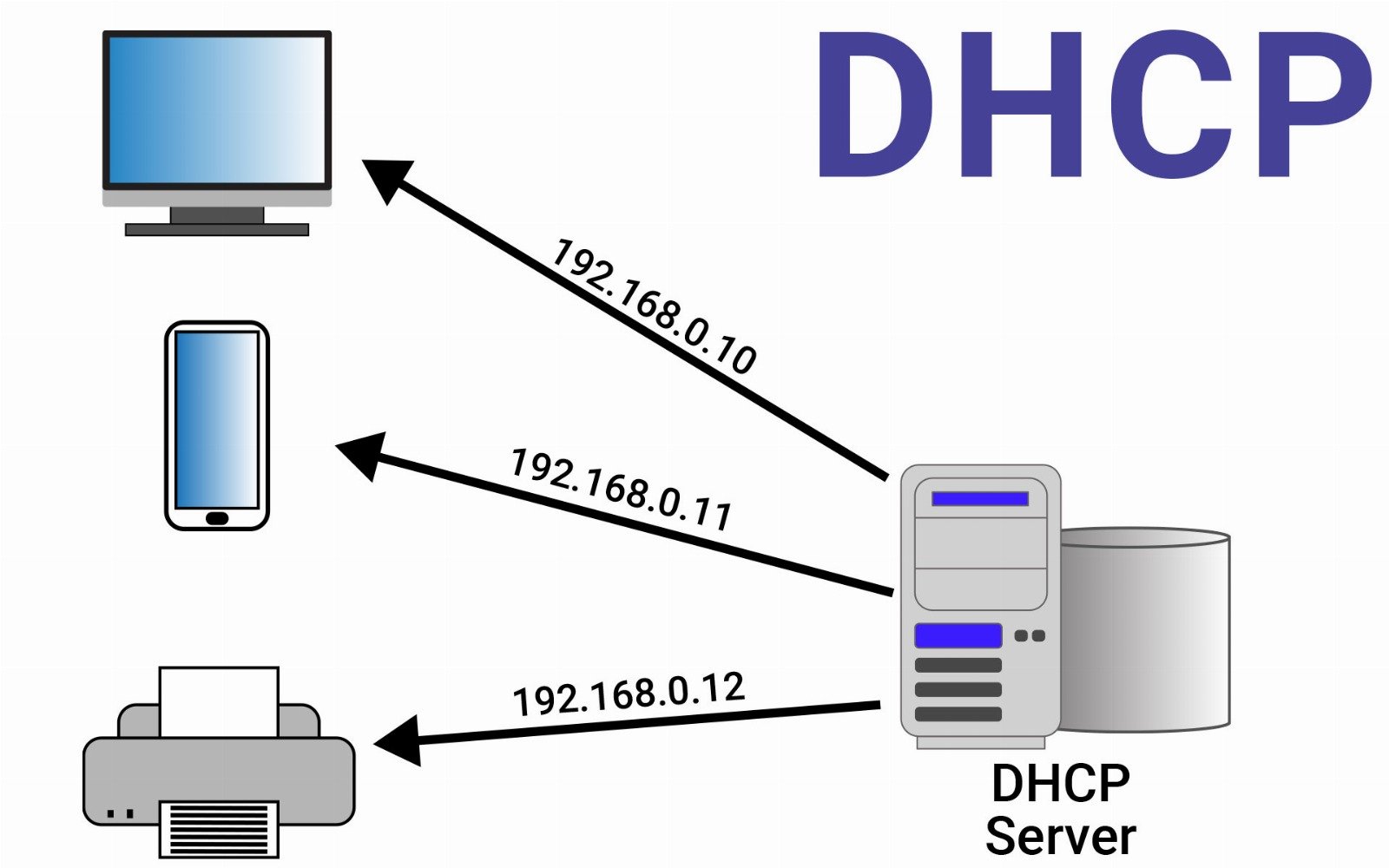
DHCP stands for Dynamic Host Configuration Protocol — a network management protocol used to automatically assign IP addresses and network configuration parameters (such as subnet mask, gateway, and DNS servers) to devices on a network.
Without DHCP, each device (computer, phone, printer, etc.) would need to be configured manually with a static IP address, which is time-consuming and error-prone. DHCP solves this by dynamically assigning addresses from a defined range (called a DHCP pool) and reassigning them when devices leave and join the network.
How DHCP Works (The 4-Step DORA Process)
- Discover
The client sends a broadcast message (DHCPDISCOVER) to locate available DHCP servers. - Offer
DHCP servers respond with aDHCPOFFERmessage, offering an available IP address and configuration info. - Request
The client replies with aDHCPREQUEST, indicating which offer it accepts. - Acknowledge
The server responds with aDHCPACK, finalizing the lease and assigning the IP to the device.
The IP address is usually leased for a specific period (e.g., 24 hours), after which it can be renewed or reassigned.
What DHCP Assigns
- IP Address
- Subnet Mask
- Default Gateway
- DNS Server(s)
- Lease Duration
- (Optional) WINS Server, NTP Server, etc.
Pros of DHCP
- Automatic Configuration: Devices are assigned IP settings automatically — no need for manual input or errors.
- Efficient IP Management: Addresses are reused when devices disconnect, reducing IP exhaustion in dynamic environments.
- Scalable for Large Networks: Ideal for corporate LANs, campus networks, and ISPs where managing static IPs would be unmanageable.
- Plug-and-Play Simplicity: Makes it easy to add or move devices without requiring IT staff to reconfigure network settings.
Cons of DHCP
- Security Vulnerabilities: Rogue DHCP servers can assign incorrect IPs or direct clients to malicious gateways unless properly secured.
- Dynamic IP Changes: Devices may get a new IP address every time they reconnect unless a static lease is assigned — problematic for services that require consistent IPs.
- Dependency on the Server: If the DHCP server fails, no new devices can join the network until it's restored.
Use Cases
- Home Wi-Fi networks
- Office LANs
- Schools and universities
- Hotels, cafes, and public Wi-Fi
- Enterprise or ISP environments
Static IP vs DHCP
| Feature | Static IP | DHCP |
|---|---|---|
| Configuration | Manual | Automatic |
| Flexibility | Low (fixed per device) | High (IPs assigned as needed) |
| Use Case | Servers, printers, cameras | Client devices like phones, laptops, etc. |
| Risk of Conflict | High if not managed carefully | Low, as server manages pool dynamically |
Conclusion
DHCP is a cornerstone of modern networking, enabling devices to connect quickly, reliably, and without manual configuration. While it introduces some risks — especially in large or unsecured environments — it is widely used due to its simplicity, scalability, and flexibility. Proper DHCP configuration, including lease time management and MAC-IP reservations (static leases), is essential for maintaining a healthy and secure network.