
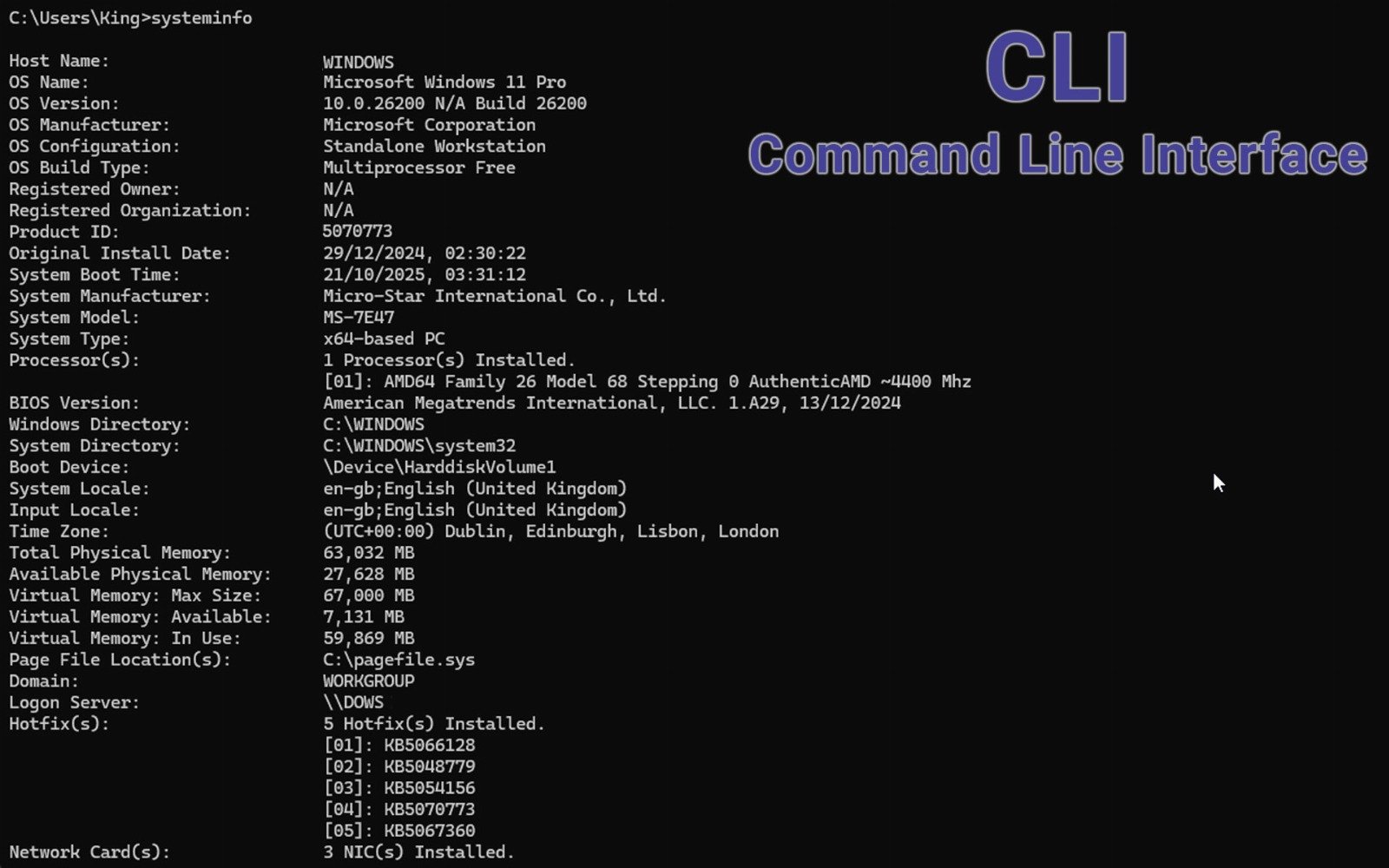
A Command-Line Interface (CLI) is a text-based user interface that allows users to interact with a computer system by typing commands into a terminal or command prompt. Unlike a Graphical User Interface (GUI), which uses windows, icons, and buttons, a CLI relies entirely on keyboard input to execute instructions and retrieve outputs.
CLIs are widely used in software development, system administration, networking, and other technical fields. Common examples include:
- Windows Command Prompt / PowerShell
- macOS Terminal
- Linux shell environments like Bash, Zsh, and Fish
Users interact with the system by entering commands such as cd, mkdir, ping, or git commit, often with flags or arguments to customize behavior. Advanced CLIs allow scripting, automation, and integration with tools and services not easily accessible via GUI.
Pros of CLI
- Efficiency and Speed: Experienced users can perform complex tasks faster than with a GUI by executing a single command instead of navigating multiple menus.
- Automation and Scripting: CLI supports powerful scripting languages (like Bash, Python, or PowerShell scripts), enabling automated workflows, task scheduling, and repeatable configurations.
- Low Resource Usage: CLIs consume far fewer system resources than GUIs, making them ideal for headless systems, remote servers, embedded systems, and low-power devices.
- Remote Access and Control: CLI is essential for managing systems over SSH or command shells where no GUI is available, such as remote servers or cloud instances.
Cons of CLI
Steep Learning Curve: New users may find the CLI intimidating due to the need to memorize commands, syntax, and error-prone input. A typo can break things or produce no feedback at all.
Lack of Visual Feedback: Without graphical cues, it's harder to visualize changes, monitor progress, or troubleshoot issues, especially for file management or system monitoring.
Risk of Error: Incorrect commands or syntax can lead to serious consequences, like data loss or misconfiguration, particularly when running scripts with elevated permissions (e.g., rm -rf).
Conclusion
The Command-Line Interface is a powerful, flexible, and efficient tool for interacting with computers — especially for advanced users, developers, and IT professionals. While it's not as beginner-friendly as GUIs and requires more knowledge and care, it offers unmatched control and automation potential. For tasks requiring precision, speed, or remote access, CLI remains an essential part of modern computing.